Cloud server installation services so your company data lives on infrastructure you own.
From a Desktop PC to start small, NAS Storage for a team, up to a cloud server with complete security for enterprise scale — our cloud server installation services are tailored to your budget and needs.
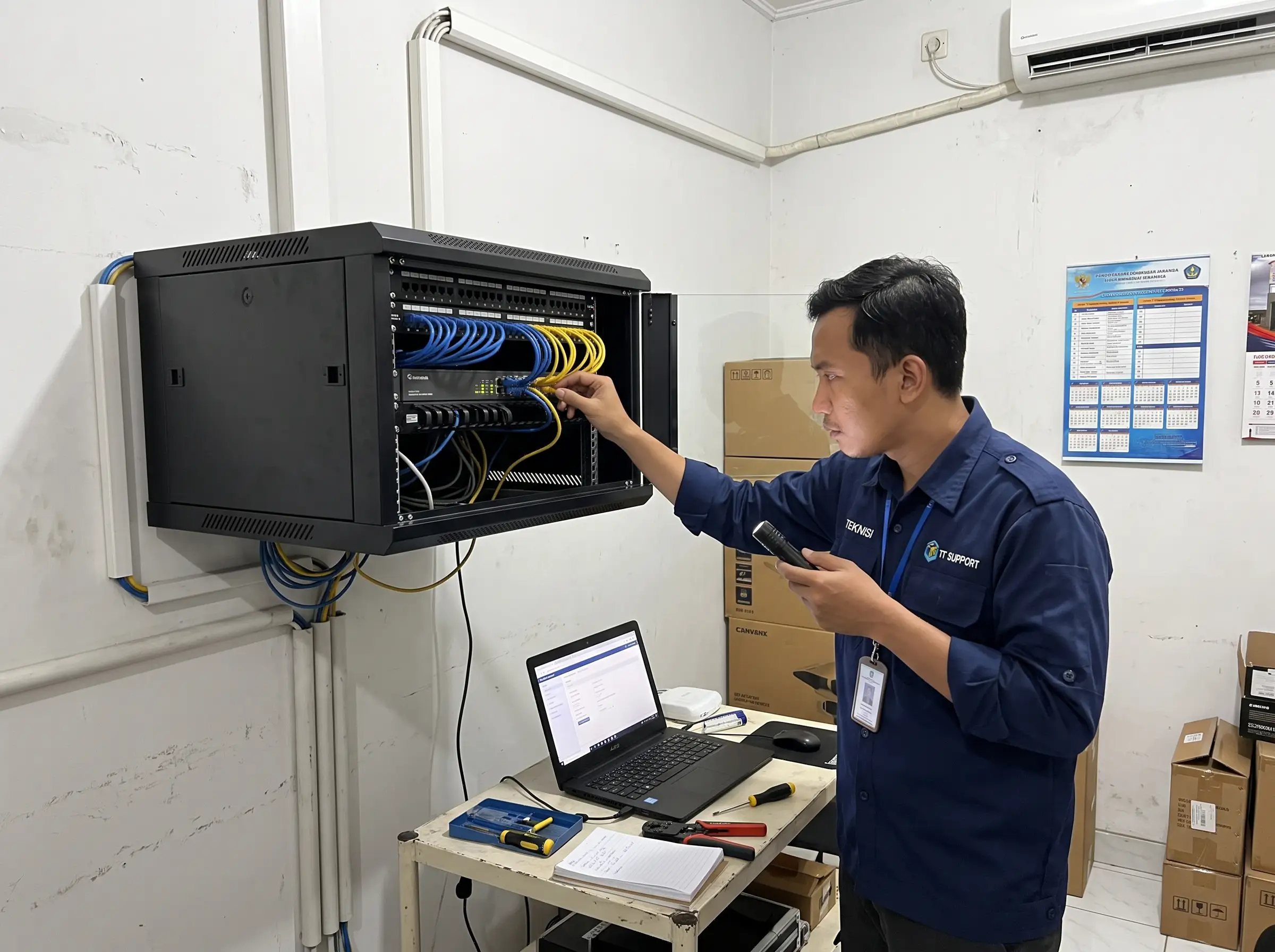
Private cloud storage installation for your company, ready in 2 weeks, starting from Rp 10 million.
*T&C applyCloud storage installation services design, install, and configure a private cloud your company owns — Desktop PC, NAS, to full servers — delivered by Navinity from Rp 10 million, ready in ±2 weeks, including migration from Google Cloud.
Cloud bills keep running, while control over your data feels further away.
Three complaints we hear most often from IT teams and business owners.
From a Desktop PC to a Server — you set the scale.
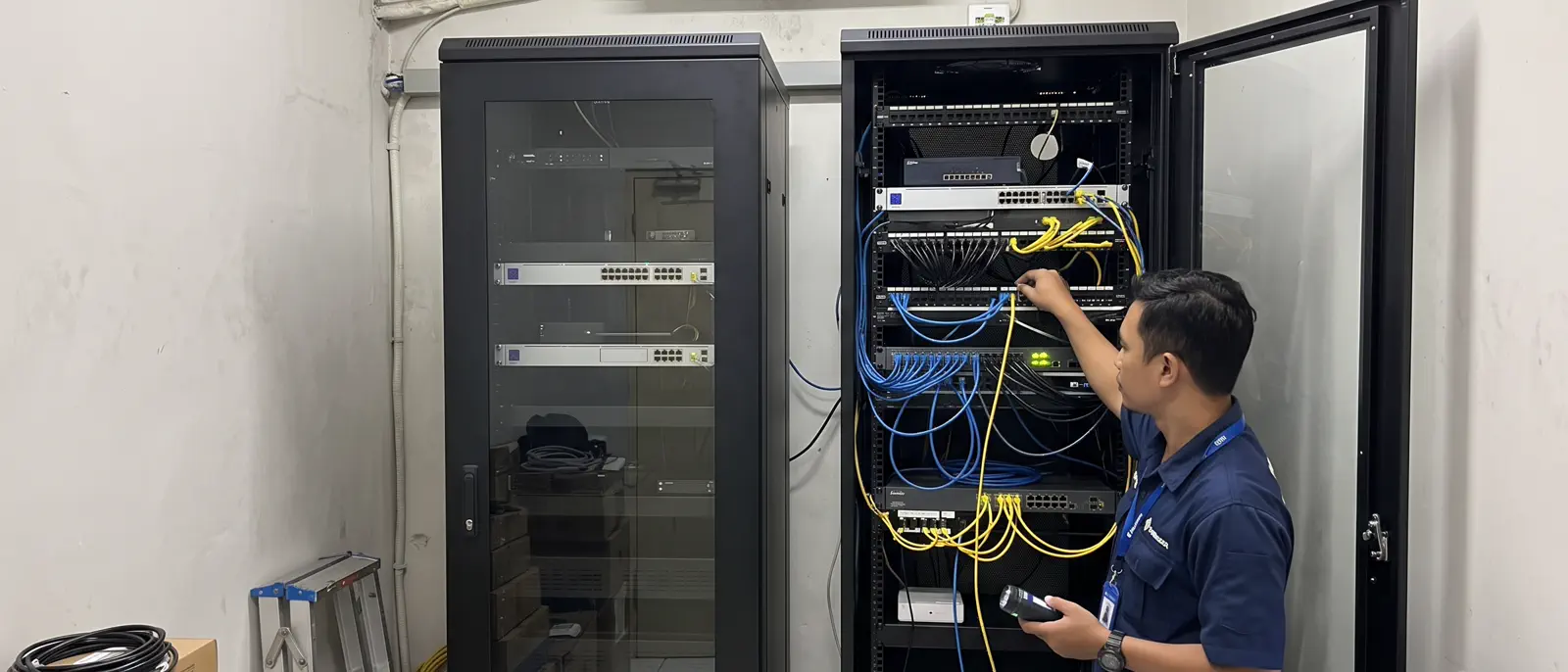
Three cloud server installation levels you can start from the most affordable, then extend as your business grows.
Desktop PC
Storage to start small — turning a computer you already own into a simple data hub.
- Lowest initial cost
- Suited to a small team or 1–10 devices
- Easy to upgrade to NAS as needs grow
NAS Storage
A dedicated storage device shared by your whole team, with automatic backup built in.
- Large capacity with disk redundancy (RAID)
- Simultaneous access for many users
- Automatic backup and data recovery
Server
Full infrastructure for companies with high security, compliance, and capacity needs.
- Complete security: encryption, firewall, access control
- Large scale with high performance
- Ongoing support and maintenance
Every employee reaches the same data, from any device.
Good storage is pointless if it is hard to reach. We set up consistent access, in the office or on the go.
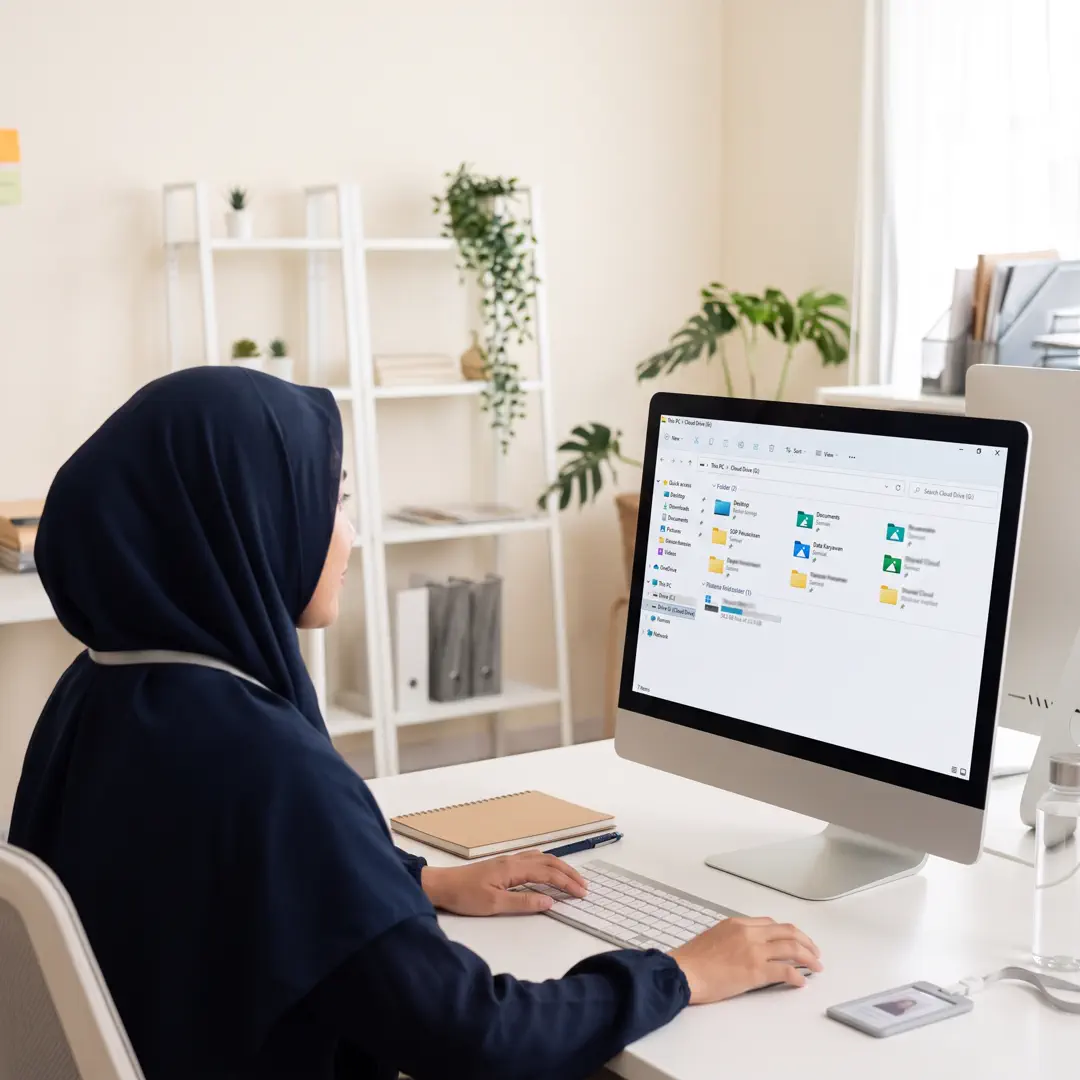
- One source of data for the whole team
- File sync across devices
- Secure access from outside the office, with controls you set
- Access rights per user and per device
Security is not an add-on; it is part of the design.
Six layers we set up to keep your data safe and recoverable.
Access Control
Who may open, change, or share files — set per user and per folder.
Backup & Redundancy
Copies of your data are prepared so one device failure cannot erase the team’s work.
Data Encryption
Data is encrypted at rest and while travelling between devices.
Audit & Monitoring
Activity trails showing who accessed what, and when.
Device Management
Lost devices or departing staff can have their access revoked immediately.
Disaster Recovery
A recovery plan so data can come back quickly when something goes wrong.
From data review to a clean handover.
Review the data situation
We review the types, volume, access patterns, and your backup needs.
Design & pick the level
We define the architecture and storage level that fits your budget.
Server installation & migration
Devices are installed, data is moved, and access is tested with your team.
Handover & enablement
Documentation, a backup plan, and short training for your team.
If any of this sounds familiar, we should talk.
- Your cloud bill rises every year.
- You need more control over where data lives and who reaches it.
- Your team works across many devices and locations.
- You want to start small and grow as needs change.
Frequently asked about cloud storage installation services.
Short answers on cost, timeline, Desktop PC–NAS–Server options, data security, and access from laptop to smartphone.
What are cloud storage installation services for business?
Cloud storage installation services for business design, install, and configure a private cloud (own cloud) — storage infrastructure you own — so data lives on company devices, not on public cloud. Navinity (PT. Ascend Aulia Indonesia) delivers it in 3 levels: Desktop PC to start small, NAS Storage for teams, up to a Server with complete security, including synced access from laptops, tablets, and smartphones.
How much do cloud server installation services cost?
Cloud storage installation at Navinity starts from Rp 10 million, ready in 2 weeks (T&C apply). The final cost depends on the level you choose (Desktop PC is the most affordable, NAS Storage mid-range, enterprise Server), storage capacity, number of devices and users, and security needs such as encryption, firewall, and backup. After an initial discussion you receive a transparent breakdown of stages and estimates.
How long does cloud storage installation take until it is ready to use?
A standard installation is ready in 2 weeks. The flow: (1) review your data — types, volume, and access patterns; (2) design the architecture and pick the Desktop PC, NAS, or Server level; (3) install devices, migrate data, and test access with your team; (4) handover — documentation, a backup plan, and short training. Large server-scale projects or very large data migrations may take longer.
What is the difference between Desktop PC, NAS Storage, and Server? Which suits us?
Desktop PC suits starting small — a small team or 1–10 devices, the lowest upfront cost, and an easy upgrade path to NAS. NAS Storage is the most common for teams — large RAID capacity, simultaneous multi-user access, and automatic backup. Server is for enterprise scale — complete security (encryption, firewall, access control), high performance, and ongoing support. All three can be combined and upgraded in stages to match your budget.
Can files on the private cloud be accessed from laptops, phones, and outside the office?
Yes. Navinity private cloud storage gives the whole team one source of data with sync across devices — Desktop PC, laptop, tablet, and smartphone — in and outside the office. Remote access is secured under controls you set, with rights per user and per device; lost devices or departing staff can have access revoked immediately.
How is our company data secured on private cloud storage?
Security is designed in from the start across 6 layers: (1) access control per user and per folder; (2) backup and disk redundancy (RAID); (3) encryption of data at rest and in transit between devices; (4) audit and monitoring of who accessed what and when; (5) device management; (6) a disaster recovery plan. Data lives on infrastructure you own in Indonesia, not on third-party servers.
Can data from Google Drive, Google Cloud, or Dropbox be moved to the private cloud?
Yes. Navinity migrates data from Google Cloud, Google Drive, Dropbox, and other public storage to your company NAS or server. The process: inventory of data types and volume, a staged move plan, testing and verification so no file is lost or corrupted, then an ongoing backup plan. Disruption risk is managed by migrating outside busy hours and testing access with your team.
What must we prepare, is maintenance included, and do you serve outside Bogor?
Just prepare your data size, device and user counts, and security needs — existing devices can be reused, and no complete technical specification is needed because Navinity maps it during assessment. Every installation includes documentation, a backup plan, short training, and optional ongoing support and maintenance. Navinity is based in Bogor, West Java, and serves private cloud storage installation for companies across Indonesia.
Let us find the cloud server installation that fits your budget.
Tell us your data size, number of devices, and security needs. We will map out the options.
Start a conversation ↗